If you are a content creator, a musician, or a podcaster, recording high-quality audio from the comfort of your own home is essential. The increase in remote work and online content has made professional-grade audio recording a necessity for many individuals. However, achieving top-notch audio quality at home can be challenging without the right strategies in place. In this article, we will discuss some effective strategies for recording high-quality audio at home, so you can capture that perfect sound every time.
The Importance of High-Quality Audio
Before diving into the strategies for recording high-quality audio at home, let’s first understand why it is so crucial. Quality audio can make a huge difference in the overall impact and success of your content. Whether it’s a podcast, a music track, or a video, poor audio quality can turn off your audience quickly. It can hinder the message you are trying to convey and diminish the value of your content. On the other hand, high-quality audio can create a more professional and engaging experience, leaving a lasting impression on your audience.
Invest in the Right Equipment
The first step in achieving high-quality audio at home is investing in the right equipment. While you may be tempted to use the built-in microphone on your laptop or smartphone, it is not recommended for professional audio recording. Instead, consider investing in a high-quality microphone, audio interface, and headphones. There are many affordable options available in the market that can significantly improve the sound quality of your recordings.
Microphone
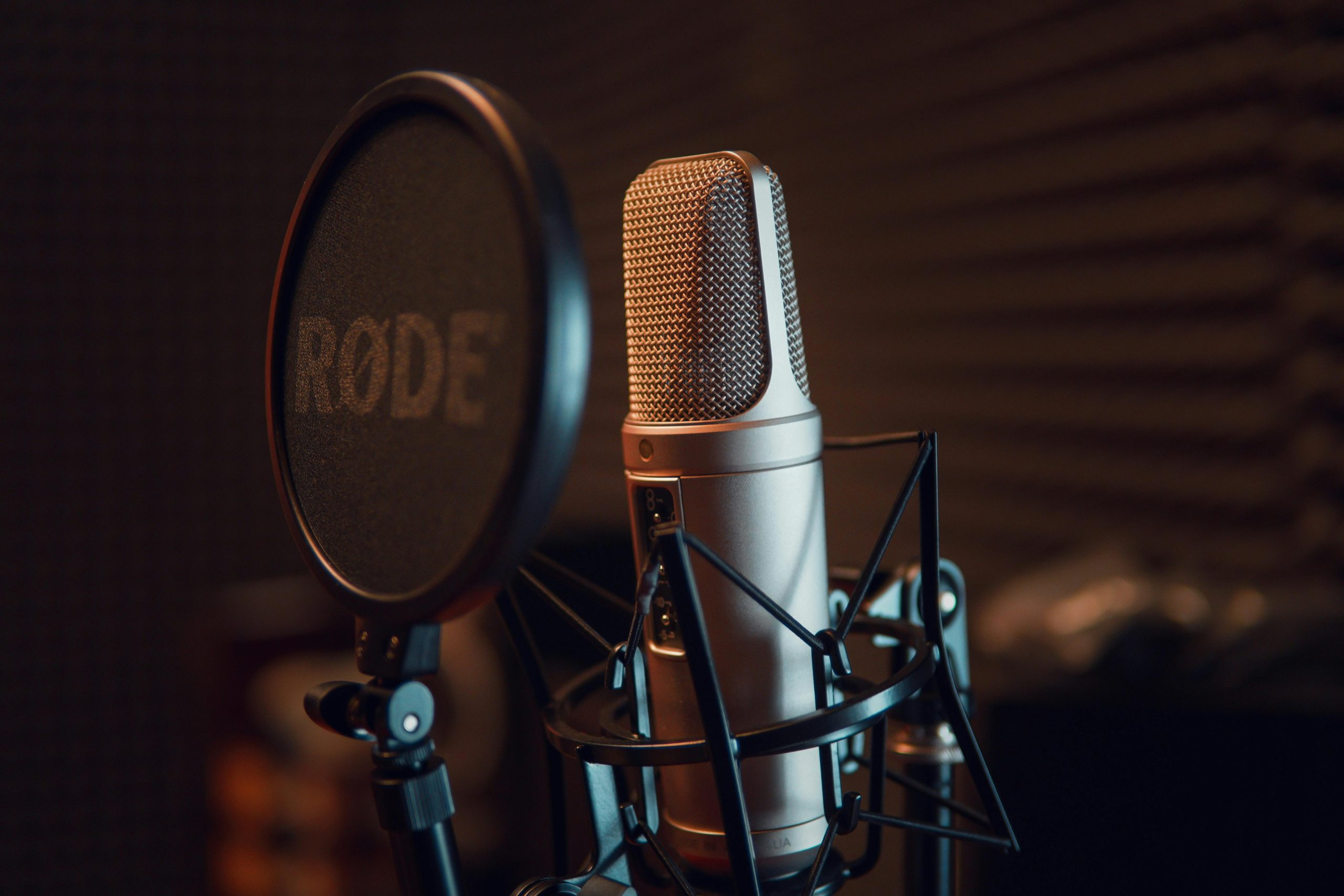
When choosing a microphone, consider the type of content you will be recording. For vocals and acoustic instruments, a condenser microphone is a popular choice. It is sensitive and capable of capturing a wide range of frequencies. However, if you are recording louder instruments or in a noisy environment, a dynamic microphone may be a better option.
Audio Interface
An audio interface is a device that connects your microphone to your computer and converts the analog signal into a digital one. It also provides features like preamps, gain control, and phantom power, which are essential for recording high-quality audio. Again, there are many affordable options available, so do your research and choose one that fits your needs and budget.
Headphones
Using headphones during recording allows you to monitor the audio in real-time and make adjustments if needed. Closed-back headphones are recommended as they block out external noise and prevent sound from leaking into the microphone. Make sure to invest in a good pair of headphones to accurately hear the sound and make necessary adjustments.
Optimize Your Recording Space
The environment in which you record plays a significant role in the quality of your audio. Ideally, you would want to record in a soundproofed room, but this may not be feasible for everyone. However, there are some simple ways to optimize your recording space for better sound quality.
Absorption and Diffusion
Minimizing the reflections in your recording space is crucial for getting clear and crisp audio. You can do this by using absorption and diffusion materials. Absorption materials, such as acoustic foam panels, absorb sound waves to reduce echo and reverberation. Diffusion materials, such as diffusers, scatter sound waves to break up standing waves and create a more natural sound.
Eliminate Background Noise
Background noise can be a nuisance when recording audio at home. To reduce it, try to record in a quiet area away from any sources of noise, such as fans, air-conditioners, or traffic. You can also use a noise gate or a noise reduction plug-in during the editing process to remove any unwanted noise.
Know Your Software and Settings
Once you have your equipment set up and your recording environment optimized, it’s time to focus on your recording software and settings. Familiarize yourself with the software you are using and make sure you understand the different features and settings it offers. Here are some tips for optimizing your recording settings:
Set Your Microphone Levels
Before recording, make sure to adjust your microphone levels to avoid clipping or distortion. You can do this by speaking or playing at the same volume you will be using during your recording and monitoring the levels. Adjust the gain control on your audio interface to ensure that your audio is not too soft or too loud.
Choose the Right File Format
The file format you choose can also impact the quality of your recording. When it comes to audio, uncompressed file formats like WAV or AIFF are preferred as they retain all the original data and provide the best quality. Compressed formats, such as MP3, may save space but can also compromise the audio quality.
Edit and Mix Your Audio
Once you have completed your recording, it’s time to polish and refine your audio. Editing software, such as Adobe Audition or Audacity, can help you remove any mistakes, noises, or unwanted sections from your recording. You can also use EQ, compression, and other effects to enhance your audio and make it sound professional.
Practice and Experiment
Finally, the key to recording high-quality audio at home is practice and experimentation. Don’t be afraid to try different settings, techniques, or equipment to find what works best for you. Keep in mind that it may take some trial and error to achieve the perfect sound. Practice regularly to improve your skills and develop your own style of recording.
Recording high-quality audio at home may seem like a daunting task, but with the right strategies and equipment, anyone can achieve professional results. Remember to invest in the right equipment, optimize your recording space, familiarize yourself with your software, and keep practicing. Armed with these strategies, you can captivate your audience with high-quality audio recordings every time.
Leave a Reply